Performance Models
P-Image and P-Image Edit are live on Scenario

Quentin Sinig
Go-to-Market Lead
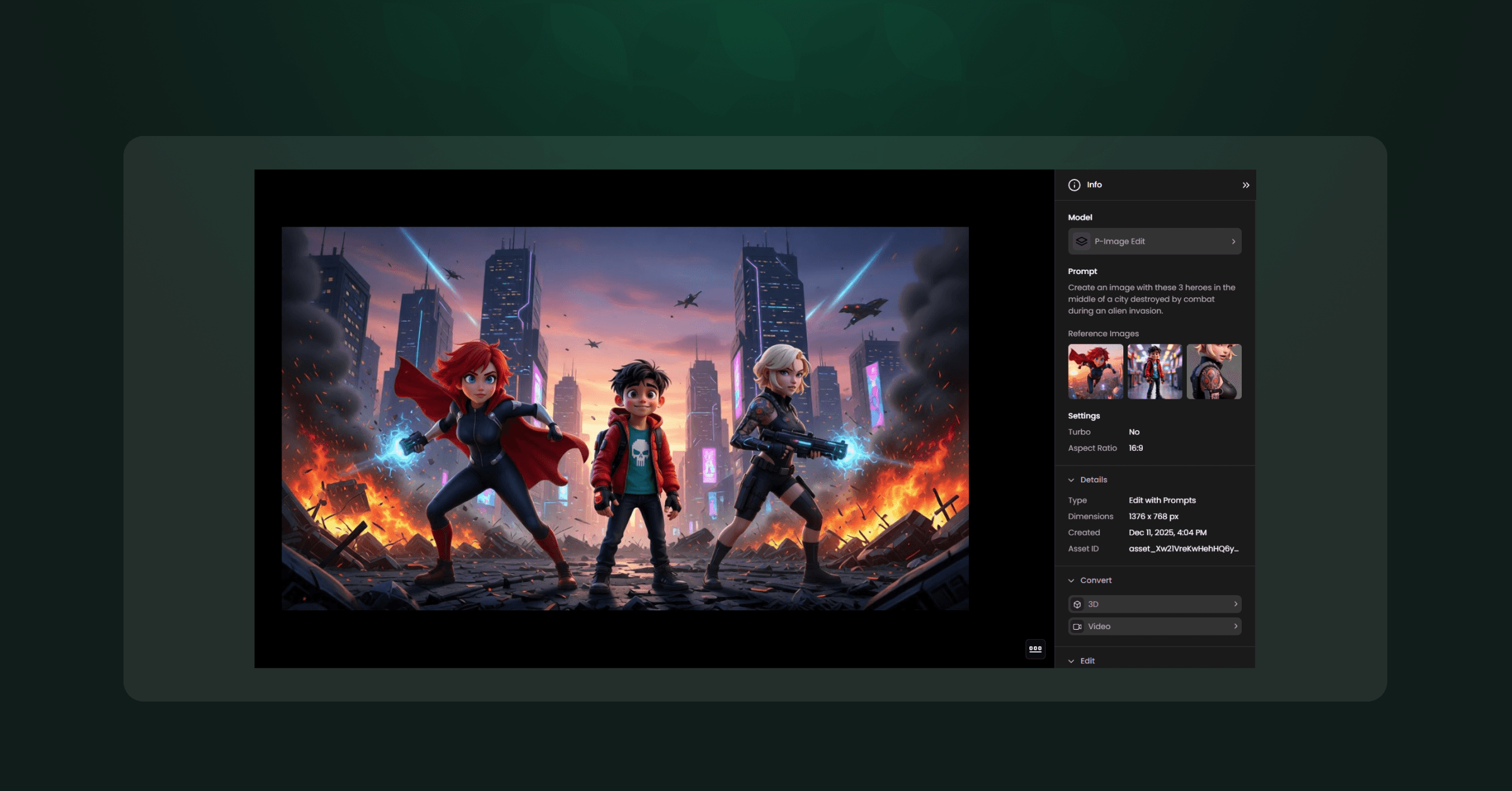
This collaboration didn’t start with a shiny launch. It started early, back in 2024, when we began working together to deploy a fast variant of Flux Dev to Scenario’s users. Then Pruna switched from “optimization framework” to “performance models lab”. That’s when things clicked. Today, P-Image (Image Gen) and P-Image Edit (Edit with Prompts) are Scenario’s fast, low-cost models.
“Overall, it became one of our top 3 favorite models.”
— Emmanuel de Maistre, CEO @ Scenario
Popular enough that Emmanuel actively recommended it to 30+ customers, onboarding hundreds of users. That’s not a quote-for-the-website move. That’s confidence it won’t backfire in production.
Use Case
P-Image
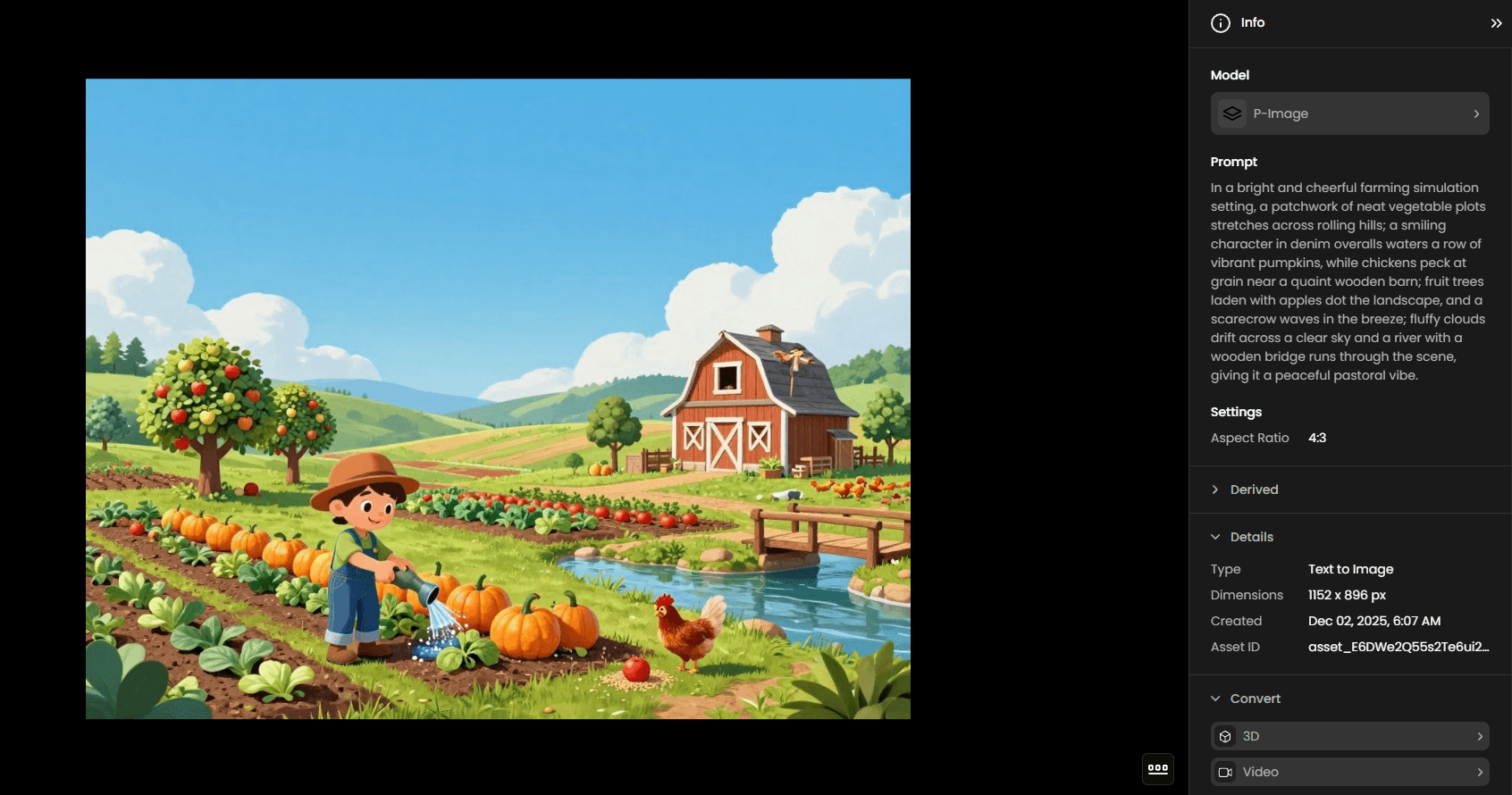
P-Image is excellent for quick concept sketches, as it enables the rapid production of images from short prompts. It is a very flexible model, capable of generating a wide variety of different styles. It is also well-suited for creating variations and supporting rapid exploration during the early ideation phase. Due to its low cost, it suits high-volume workflows that require numerous iterations. Overall, it is best used for tasks where detailed reasoning is not required and clear, simple instructions are sufficient.
P-Image-Edit
The P-Image-Edit model excels at a variety of editing tasks, allowing for precise control over image elements. Here are some examples of what it does very well: adding or removing elements, changing character poses and expressions, altering backgrounds, transforming art styles, maintaining character consistency, and placing logos and images… These are just a few examples of the types of modifications the editing model can handle effectively. Its flexibility makes it especially suited for iterative workflows, rapid refinements, and consistent world-building.
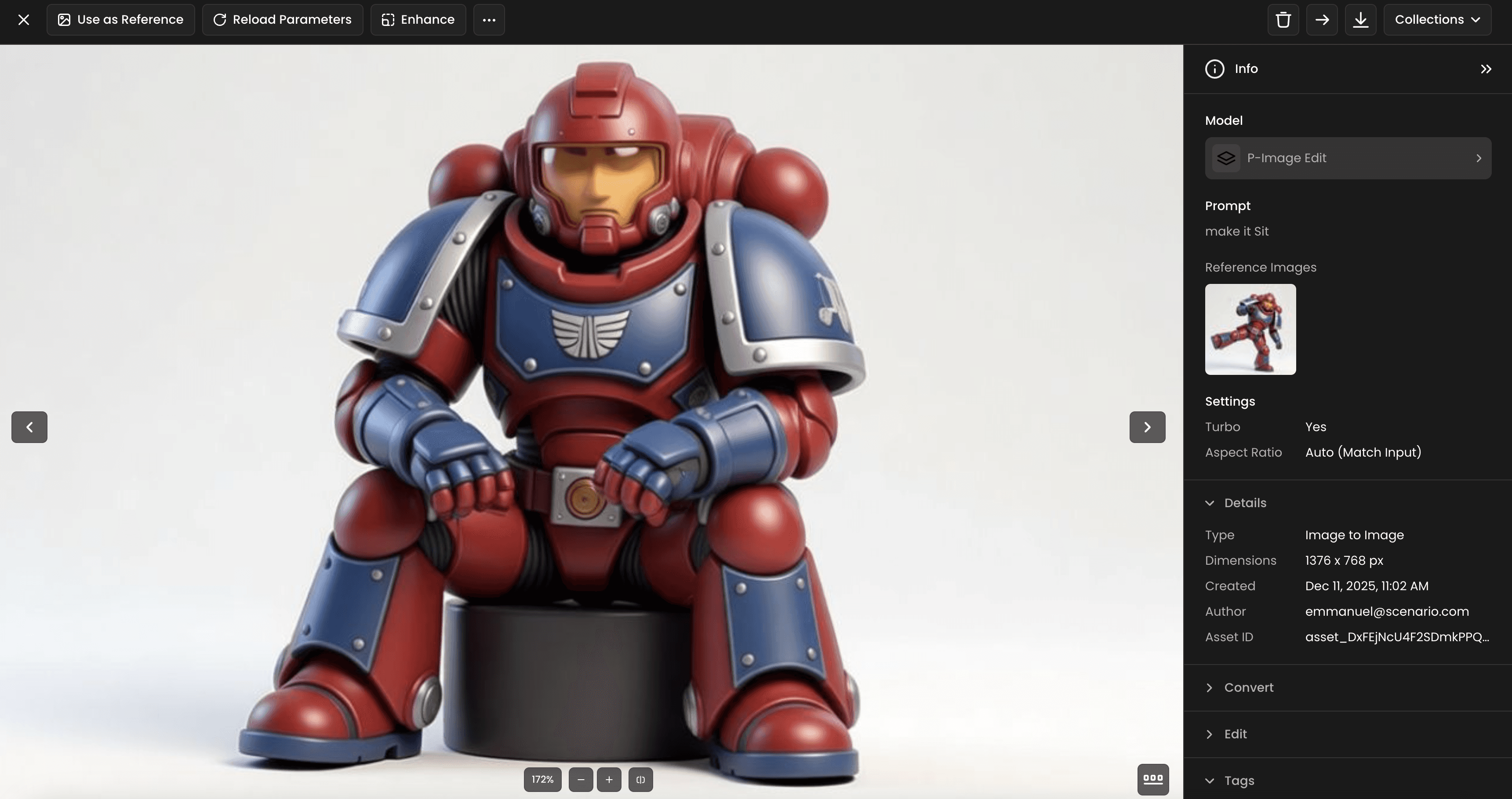
PS: For the best possible results, it is recommended to apply the Enhance feature to your final image. This will improve the overall quality and detail.
Speed is the feature!
P-Image and P-Image Edit are optimized for speed:
For even faster generation, a Turbo option is available. However, for more complex tasks, it is recommended to disable Turbo to ensure the best results.
Typical output: a few seconds
Around 10× faster than heavier models, such as Nano Pro (≈20 seconds)
The speed difference is beneficial when iterating prompts, refining compositions, or reviewing multiple directions rapidly.
Cost efficiency (because math still matters)
Pruna AI models are among the most cost-effective options available in Scenario.
2 credits per generation
≈ 1.6 cents for the “Max” Plan
≈ 1.4 cents for the “Enterprise” Plan
Roughly 10× cheaper than models such as Gemini 3.0 for comparable simple tasks
Summary
P-Image and P-Image Edit deliver strong results for simple prompts and direct edits, while remaining significantly faster and more affordable than heavier multimodal systems. They’re designed for speed and efficiency in production workflows. For highly complex or reasoning-intensive creative tasks, larger models may still be a better fit. Choosing the right model for each use case is key to balancing quality, speed, and cost — the foundation of efficient AI-assisted creation.
Enjoy the Quality and Efficiency!
Want to take it further?
Join the conversation on Discord!
・